

My first rendering
Posted: August 31, 2010
Post subject: My first rendering
Post subject: My first rendering
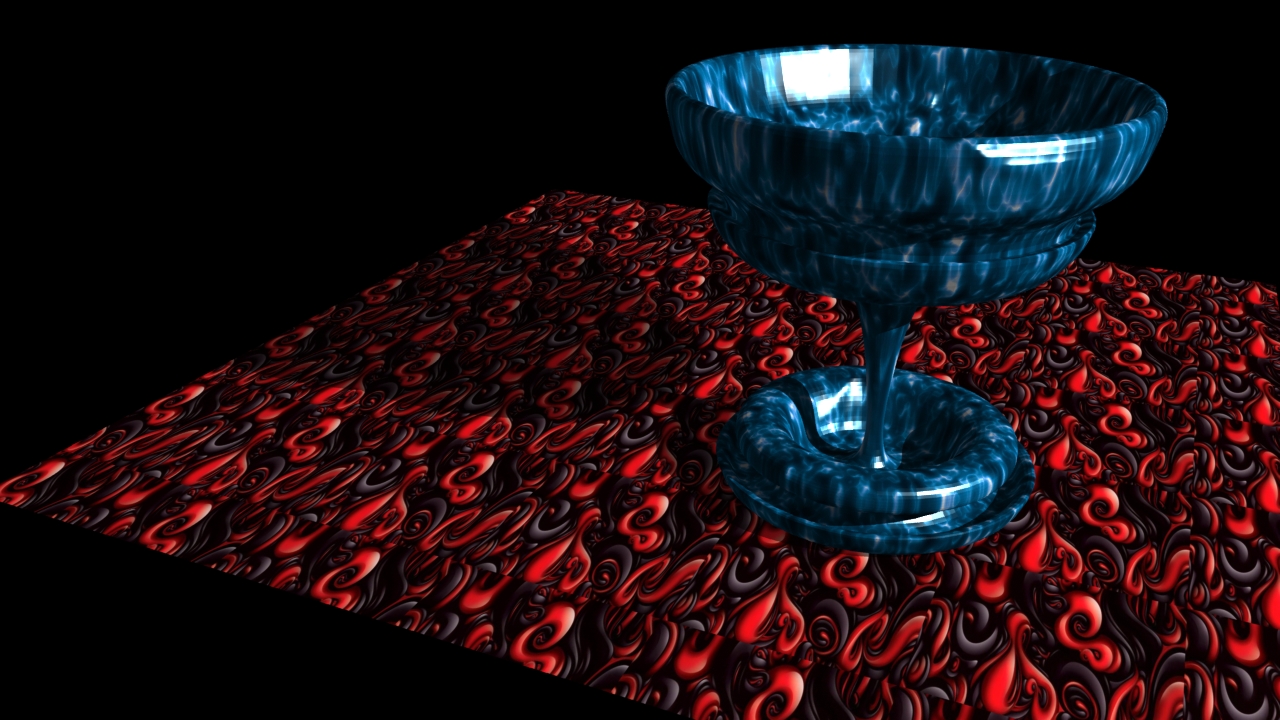
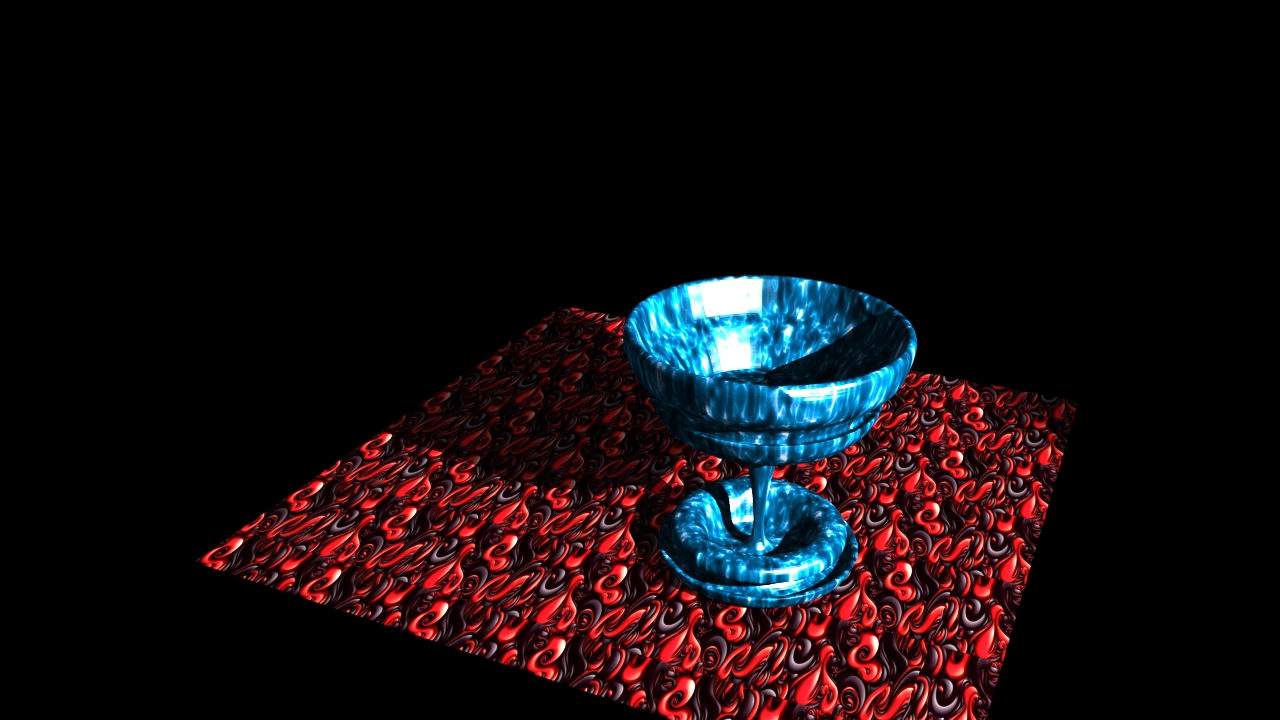
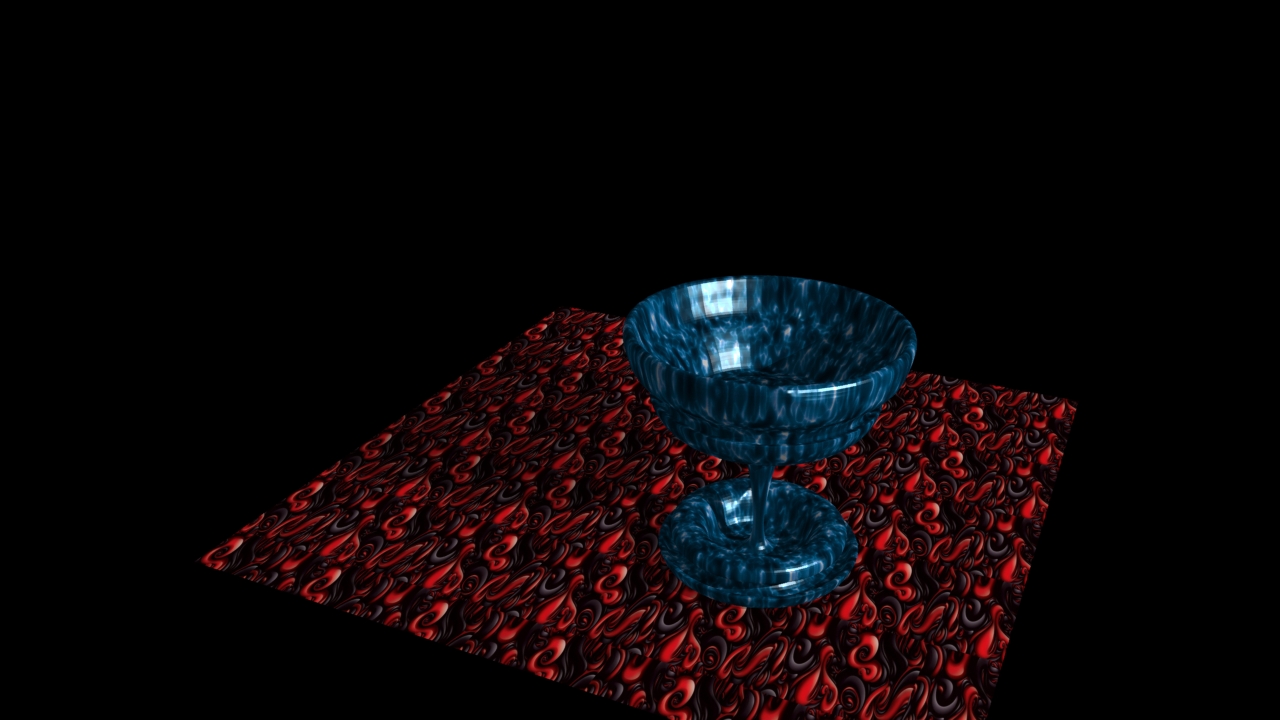
Today is the first time I have ever used 3D rendering software. This is also the first time I have even looked into it lol.
I am using Lightwave 3D.
Tell me what you guys think. Any hints or tips would be great also.
Thanks.
I am using Lightwave 3D.
Tell me what you guys think. Any hints or tips would be great also.
Thanks.
Posted: September 13, 2010
Post subject:
Post subject:
A good start. You did a good job.
Posted: September 13, 2010
Post subject:
Post subject:
Good start. Try to find some more steel like looking material for the chalice. I'd suggest to make white bgr and also turn white the plane on which the chalice is standing, presenting simple object this way usually looks good and clear  But that's just only way I like it
But that's just only way I like it
Posted: September 23, 2010
Post subject:
Post subject:

I can say really nice job for a start
Posted: November 13, 2010
Post subject:
Post subject:
Its Nice. Just adjust the light a little.
Posted: March 01, 2012
Post subject:
Post subject:
Not sure about the patterns on the table and the chalice, are they procedural materials, maybe try playing around with the number of repetitions.
You also need to add more lights, and look in to using a metal material for the chalice as mentioned before.
But all in all a good start, the model looks sound enough!
You also need to add more lights, and look in to using a metal material for the chalice as mentioned before.
But all in all a good start, the model looks sound enough!
Posted: May 23, 2012
Post subject:
Post subject:
nice start
put more work on the details and light
_____
Fox Render Farm
put more work on the details and light
_____
Fox Render Farm