

Lotus Elise Work in Progress
Posted: April 30, 2009
Post subject: Lotus Elise Work in Progress
Post subject: Lotus Elise Work in Progress
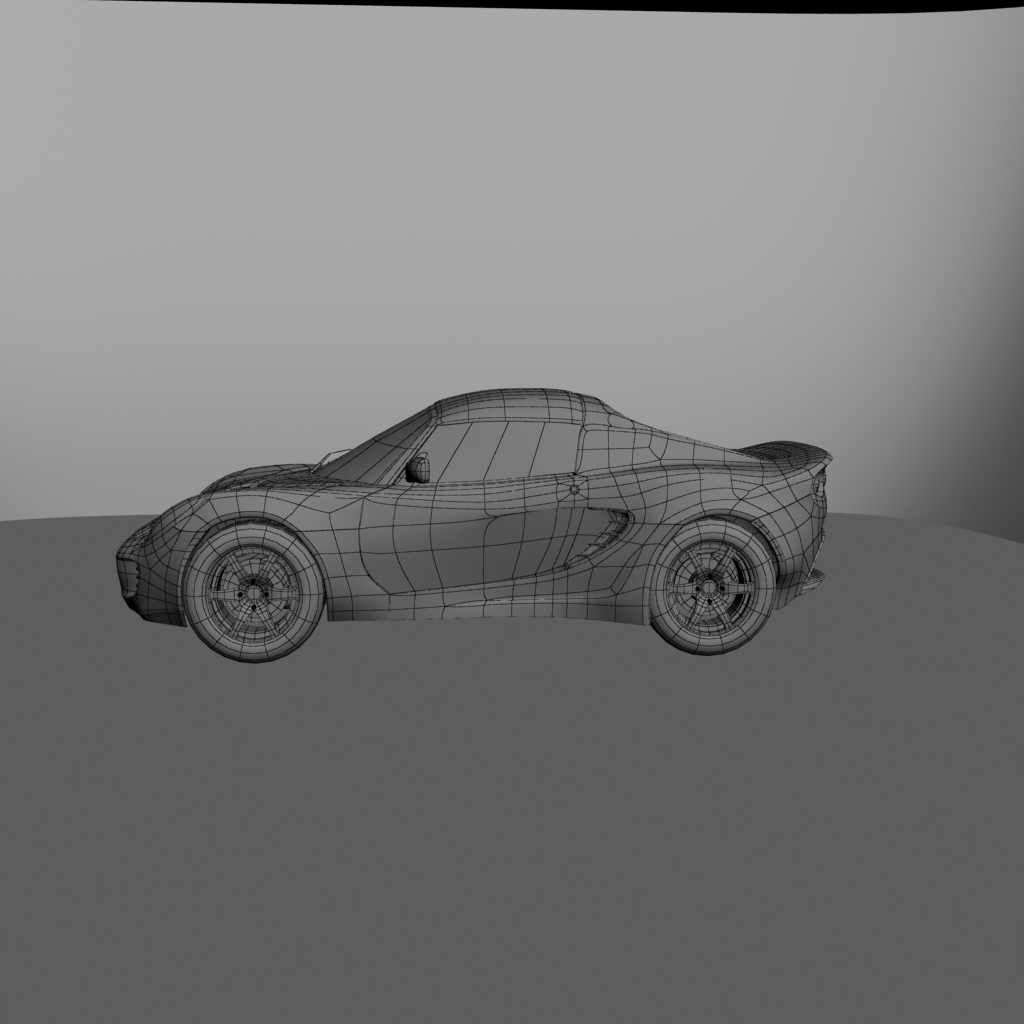
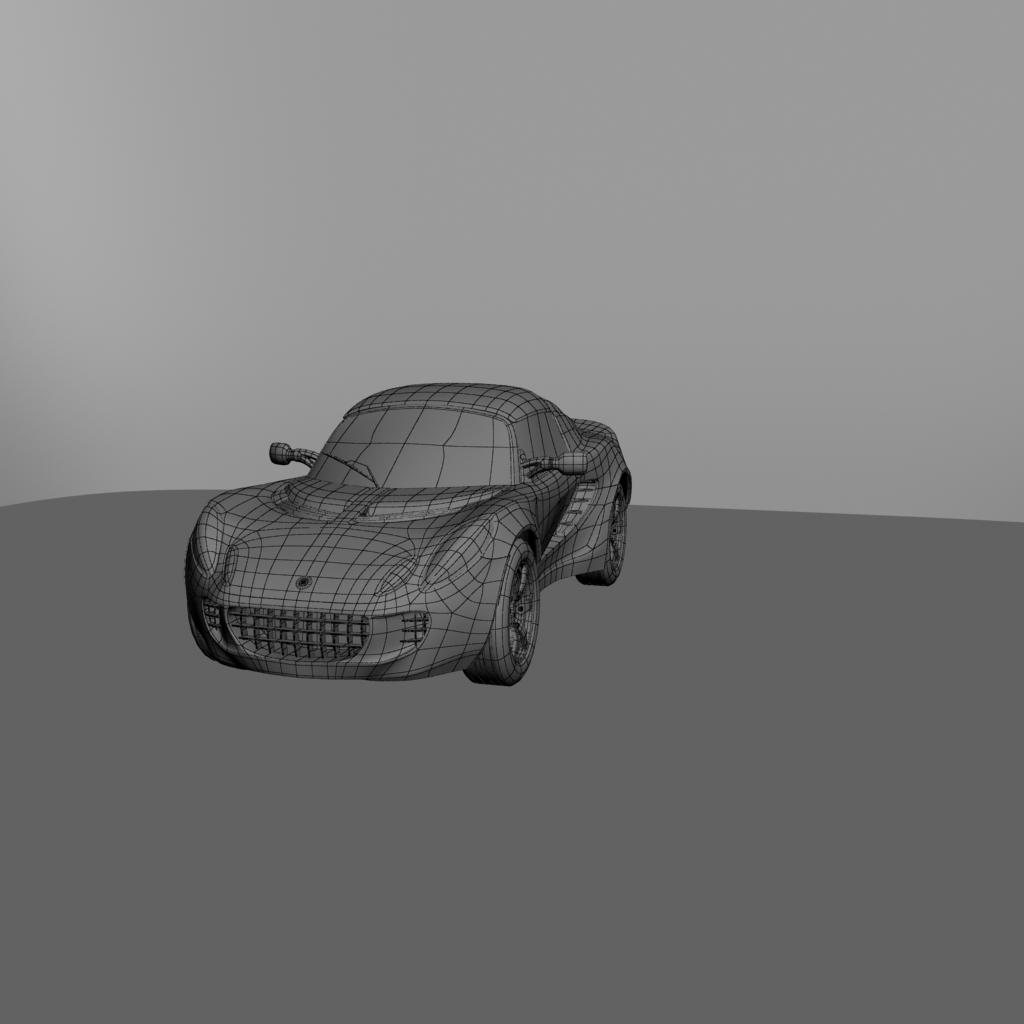
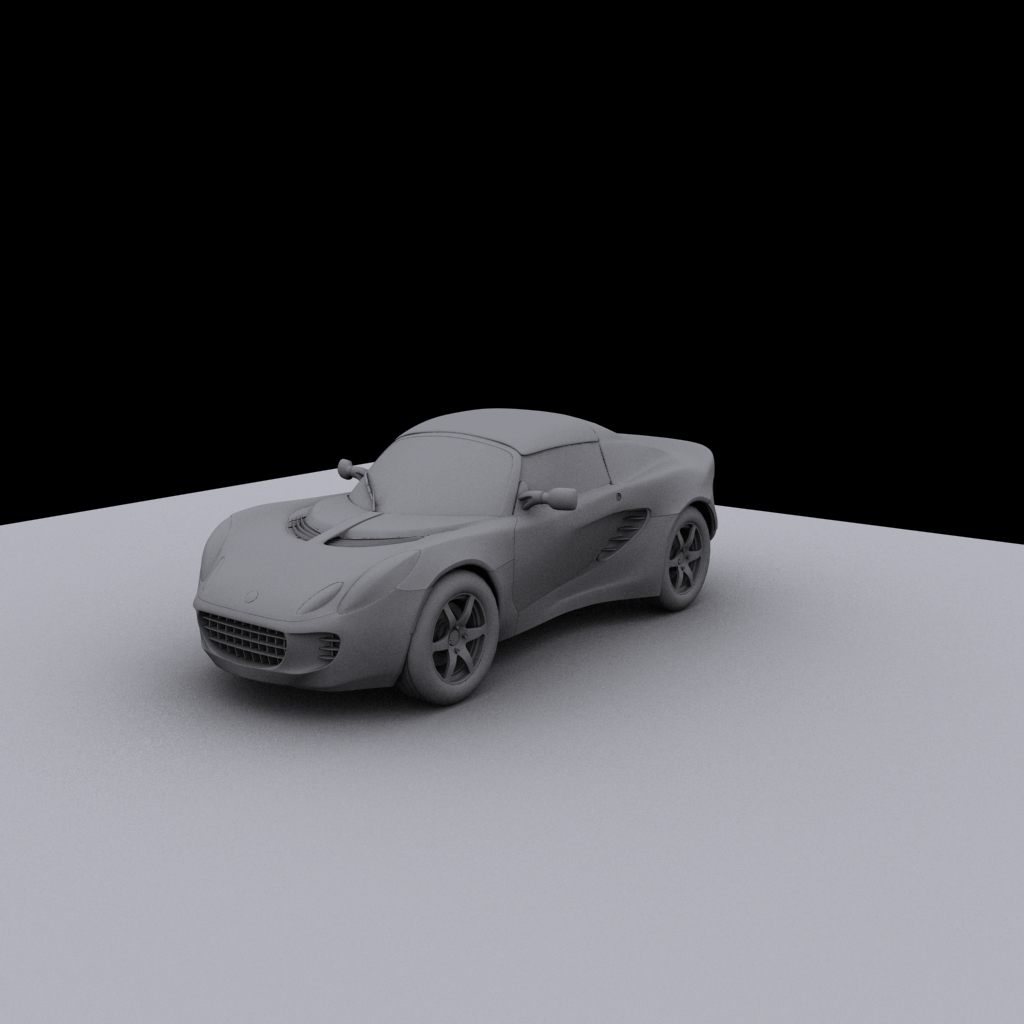
Hello, this is my first post. I am looking for any feedback, critiques concerning the quality of the modeling of this car. The purpose for this model is: One for fun and Two for my demo reel. thank you for taking a look.
Posted: April 30, 2009
Post subject:
Post subject:

So far the model looks great! All the surfaces are smooth.... I don't see any modeling errors...
What software did you use to model it?
What software did you use to model it?
Hi nedvin,
Why the front window has some creases in the wires?
Why the front window has some creases in the wires?
Posted: May 01, 2009
Post subject:
Post subject:
thats something i tried to fix but every time i put a mesh smooth on it, it pinched. It's not taking away from the model because in those areas it looks fine without wire and no pinching that's visible.
Strange... it could be either because of double vertices or because the creasing for the edge or for the vertices is set to a value different from zero.
It is not visible now but it can be visible when you render with highlights and reflections.
It is not visible now but it can be visible when you render with highlights and reflections.
Posted: May 04, 2009
Post subject:
Post subject:
That's good to know I'll see what i can do. thanks
Posted: May 07, 2009
Post subject:
Post subject:
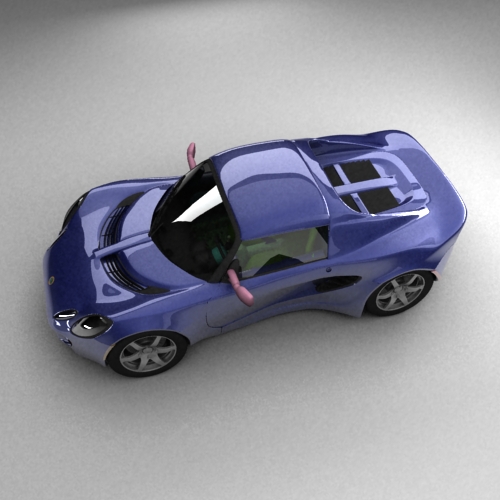
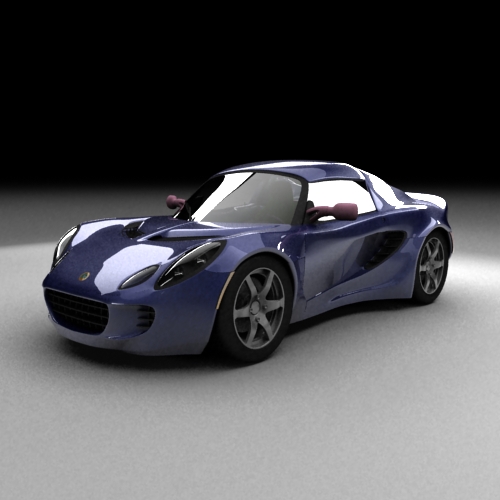
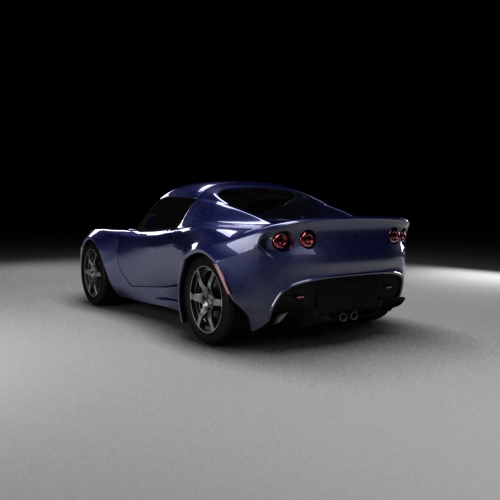
i Updated this Model and started with textures not finished but its heading there.
Posted: May 09, 2009
Post subject:
Post subject:
Nice rendering!
But I get the feeling that it is a toy car for some reason. Don't know really why. May be because it is too clean or probably because there are no tiny details to show the size.
It could also be because there are no sharp margins, everything is bevelled, and it is ok but probably bevel radius is too high in some places making the car look toyish.
But I get the feeling that it is a toy car for some reason. Don't know really why. May be because it is too clean or probably because there are no tiny details to show the size.
It could also be because there are no sharp margins, everything is bevelled, and it is ok but probably bevel radius is too high in some places making the car look toyish.
Posted: May 23, 2009
Post subject:
Post subject:
i agree with the above comments, this is why it looks like a toy car
Posted: June 02, 2009
Post subject:
Post subject:
I think if you stretched the car out abit more, especially from the B pillar back, it would do away with the "toy" look.